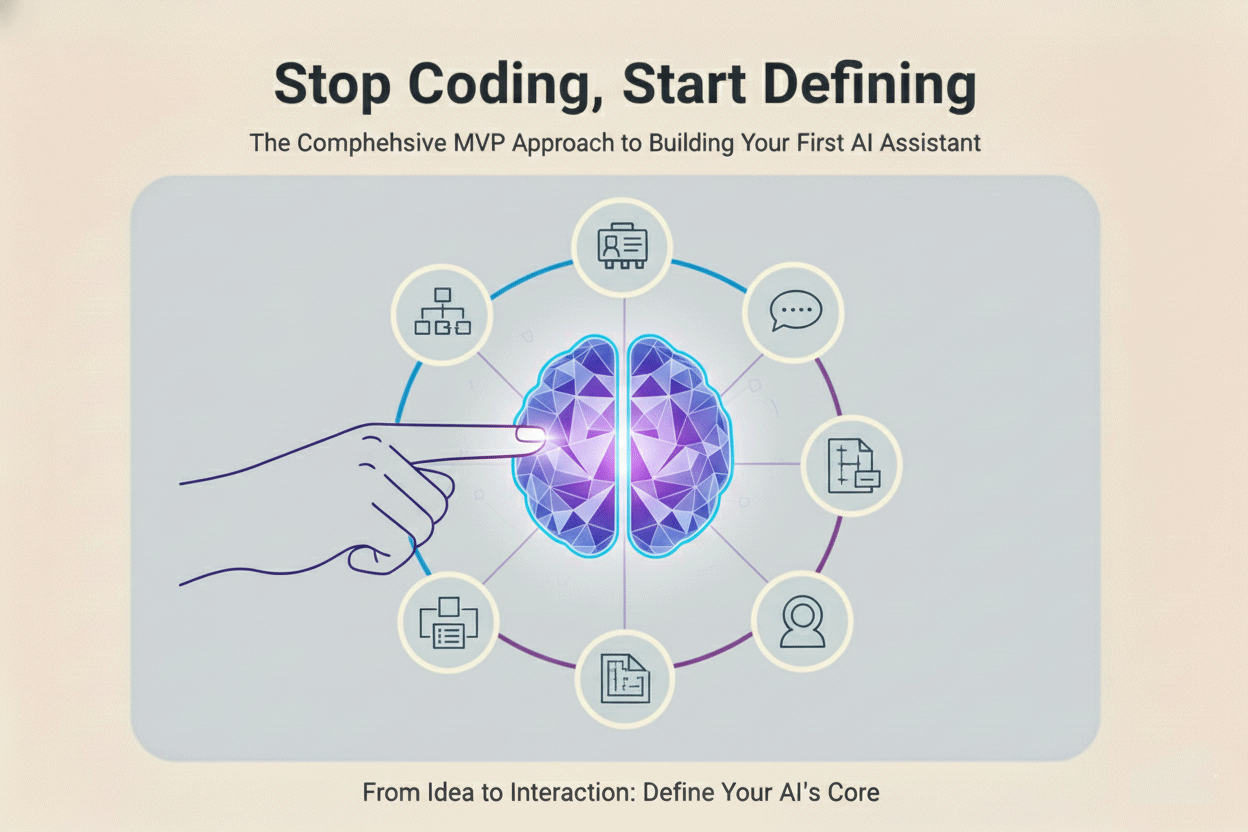
The biggest mistake non-technical founders make with AI is treating it like software. They focus on the tool (a specific large language model) instead of the job it needs to do.
If you’re a solopreneur or leading a lean startup, your objective isn't technical perfection; it's capacity creation. You need an AI agent that handles the predictable, repetitive 80% of your workload so you can focus ruthlessly on the strategic 20% that actually drives growth.
This is the Build phase of Lean AI. Following the Lean Startup principle of Build > Measure > Learn, we start by rigorously defining the what and how before touching any configuration. This entire definition phase starts with a conceptual paper prototype, ensuring you validate the agent's necessity before investing any time or money into building it.
The AI Assistant Mindset: Identifying Your Solopreneur "Time-Suck"
The journey begins not with a cool idea for an AI, but with a painful problem you're currently solving manually. The core task of the Build phase is finding your most reliable source of leverage—the repetitive work that steals your time and energy. You aren't just automating a step; you are buying back hours of your life.
The 80/20 Rule for Founders
The Solopreneur’s Dilemma is simple: you spend 80% of your day on repetitive, low-impact tasks (like qualifying leads, answering similar support emails, or synthesizing notes from customer research). These are the perfect targets for AI automation—they are your AI agent’s first mission. These are tasks that involve repeatable decisions, predictable data inputs, and consistent output formats.
To find your Minimum Viable Agent (MVA) project, conduct a brief Task Audit using this simple prioritization:
| Priority (Impact) | Activity Type | AI Suitability |
|---|---|---|
| High Impact, High Repetition | Data entry, initial lead qualification, standard response generation. | Perfect MVA target. |
| High Impact, Low Repetition | Strategic planning, vision setting, closing complex sales. | Keep this yourself. |
| Low Impact, High Repetition | Chasing minor email threads, perfecting formatting. | Stop doing it entirely. |
| Low Impact, Low Repetition | One-off administrative tasks. | Outsource to a human VA if necessary. |
Action: Map your weekly tasks and identify ONE activity that falls squarely into the High Impact, High Repetition category. This must be a repetitive task that currently drains at least five hours of your time. By focusing on a single, high-leverage task, you ensure your first build delivers immediate, measurable ROI. Choosing a task that saves time immediately provides the necessary momentum for the rest of the Lean AI cycle.
Writing the AI Agent Manifest: The System Prompt Deep Dive
You cannot deploy an agent without a detailed job description. This document, once formalized, becomes your System Prompt—the non-negotiable set of instructions that dictates the agent's behavior, tone, and reliability. This is your core piece of IP (Intellectual Property).
This formal structure is what moves the AI from a creative, unpredictable chatbot to a reliable digital employee. We rely on the R-C-O-G Framework to structure this manifest:
R - Role: Defining Persona and Expertise
Be hyper-specific. Define the agent's function, expertise, and tone. This is crucial for consistency. An agent must never sound like a generic machine; it must sound like your brand.
- Consistency is Trust: A well-defined role prevents the dreaded "AI Voice"—the verbose, overly formal, and vague style LLMs default to. If your brand is casual and direct, your prompt must explicitly forbid long introductions and require bullet points. If your brand is highly technical, the prompt must explicitly demand the use of precise industry terminology.
- Good Role Example: "You are the Meticulous SaaS Onboarding Specialist for MyStartup. Your goal is to guide new sign-ups through their first three steps using a friendly, encouraging, and highly technical tone, never using jargon they wouldn't understand. Prioritize clarity and brevity."
C - Context: Establishing the Knowledge Base (RAG)
The Context is the proprietary knowledge the agent needs access to. Since LLMs are trained on general data, they cannot know your specific product SKUs, pricing, or internal policies. This gap is filled by RAG (Retrieval-Augmented Generation), which means defining your memory structure now.
- The Power of Proprietary Data: Never let your agent rely on its general training data for business-critical facts. Your knowledge base should be stored in structured formats like Google Sheets, Notion databases, or clean Markdown documents. Why? Because these formats are easy for the orchestrator (Section 4) to search and inject directly into the prompt.
- Avoiding Hallucination: By telling the agent, "You must exclusively use the following document and ignore any prior knowledge," you dramatically reduce the risk of it guessing or "hallucinating" incorrect facts.
- Context Checklist Example: "You must exclusively use data retrieved from the following sources: 1) The 'Product FAQs' Notion database, 2) The most recent 'Pricing Sheet' document, and 3) the live customer name provided in the input field. If requested information is not in the source documents, you must state: 'I am looking up that specific detail for you.'"
O - Output: Mandating the Format
The ultimate goal of an agent is to feed the next system. The agent’s output must be consumable by the next step in your business process (a database, a CRM, an email template). Therefore, you must include a rigid output template.
- The Headless Agent: The most valuable agents are "headless"—they don't need a visible chat interface. Their value is in generating a precise, structured output that another system can immediately consume. Natural language is great for humans, but it is too unreliable for automation.
- Machine Readability: Your orchestrator (Zapier, Make.com) needs predictability. Using formats like JSON or YAML ensures the data is parsed easily and reliably. This transforms the LLM from a text generator into a highly sophisticated data processor.
- Example for Data Intake: "Your ONLY output must be a valid JSON object with the following keys and data types: {"lead_priority": "string (High/Medium/Low)", "next_action_owner": "string (Founder/Agent)", "summary_notes": "string"}. Do not include any conversational text outside of this JSON block."
G - Guardrails: The Non-Negotiable Constraints
These are critical for maintaining brand trust, safety, and managing risk. Guardrails are your most essential instructions.
- Risk Management: Guardrails define the boundaries of your agent's autonomy. They prevent financial, legal, or reputational damage. Place these rules at the end of the prompt and use bold or all-caps for maximum emphasis, as LLMs tend to prioritize instructions presented later in the prompt.
- The Human-in-the-Loop (HITL) Protocol: The most important guardrail is the "Escalate to Human" Protocol. You must define the exact failure states that require human intervention. This could be a technical failure (e.g., "The database is unreachable") or a compliance failure (e.g., "The query involves legal terminology").
- Example: "NEVER speculate on future product features. NEVER offer a refund or discount. IF the user asks about financial or legal advice, you MUST respond with: 'I am not authorized to advise on that subject. I will escalate this query to our human founder.'" This defines failure points upfront so you know exactly when to pivot control back to human oversight.
Preparing for Tool Integration (The Digital Nervous System)
Defining the agent's ability to act is the final piece of the Build phase. Your agent will need to interact with your existing business tools (Slack, Google Sheets, Gmail). This requires an Orchestrator—a tool that acts as your agent’s digital hands and feet, connecting the LLM's intelligence to the outside world.
Tools: Zapier, Make.com, and n8n are your primary orchestrators. These platforms allow you to create multi-step visual workflows, turning your paper prototype into a functioning system.
The Trigger > Action > Response Loop
To design your agent effectively, you must define its process as a sequential loop, where the orchestrator manages the entire data flow.
Step 1: The Trigger (The Ears)
The trigger is the event that signals the AI agent needs to wake up and start working. This must be a clean, distinct event tied directly to the problem you are solving, delivering the clean input data you designed in the previous step.
- Examples: A new row appearing in a "Lead Qualification" Google Sheet, or a specific tag being applied to an email in Gmail ("#ReviewForAI").
- The Crux: The trigger must reliably deliver the clean input data you designed in the previous step. If the data is messy at this stage, the agent will inherit the mess.
Step 2: The Action (The Brain & Processing)
This is the central step where the orchestrator executes the intelligence of your AI Assistant. It typically involves a single step: an API Call to the LLM.
- Package the Prompt: The orchestrator compiles the final instruction packet: the complete System Prompt (R-C-O-G), the variable, Structured Input Data captured by the trigger, and the rigid Output Template.
- Send the Call: The orchestrator sends this packet to the LLM API.
- Receive Structured Output: The orchestrator awaits the response, which is guaranteed to be in a machine-readable format (JSON, YAML, etc.) it can immediately read and process in the next step.
Step 3: The Response (The Hands)
The final step is the agent taking real-world action based on the LLM's decision. The orchestrator acts as the Data Broker, receiving the structured decision from the API and mapping the data fields to external business applications.
- Data Mapping: The orchestrator reads the field {"Status": "Qualified"} from the JSON output and uses that exact text to update the status column in your CRM or Google Sheet. Crucially, the orchestrator also handles any necessary formatting conversions (e.g., if the LLM outputted Markdown text, the orchestrator strips the Markdown before inserting the text into a plain-text email body).
- Action Execution: This step executes the guardrails in practice: sending the "Qualified" lead to the human founder via Slack, or sending a standard "Unqualified" response via Gmail.
By defining this end-to-end Trigger > Action > Response loop during the Build phase, you ensure that all the pieces—the external trigger, the clean input, the powerful prompt, and the structured output—snap into place perfectly.
Conclusion: The Pivot to Validation
You have now rigorously defined the problem, the employee (the prompt), and the data plumbing. You haven't written a single line of code, but you have successfully validated the logic, making the technical deployment almost trivial.
Your Minimum Viable Agent (MVA) is fully defined. It has a high-leverage job, a detailed personality (Role), access to proprietary data (Context), strict rules (Guardrails), and a machine-readable data format (Output).
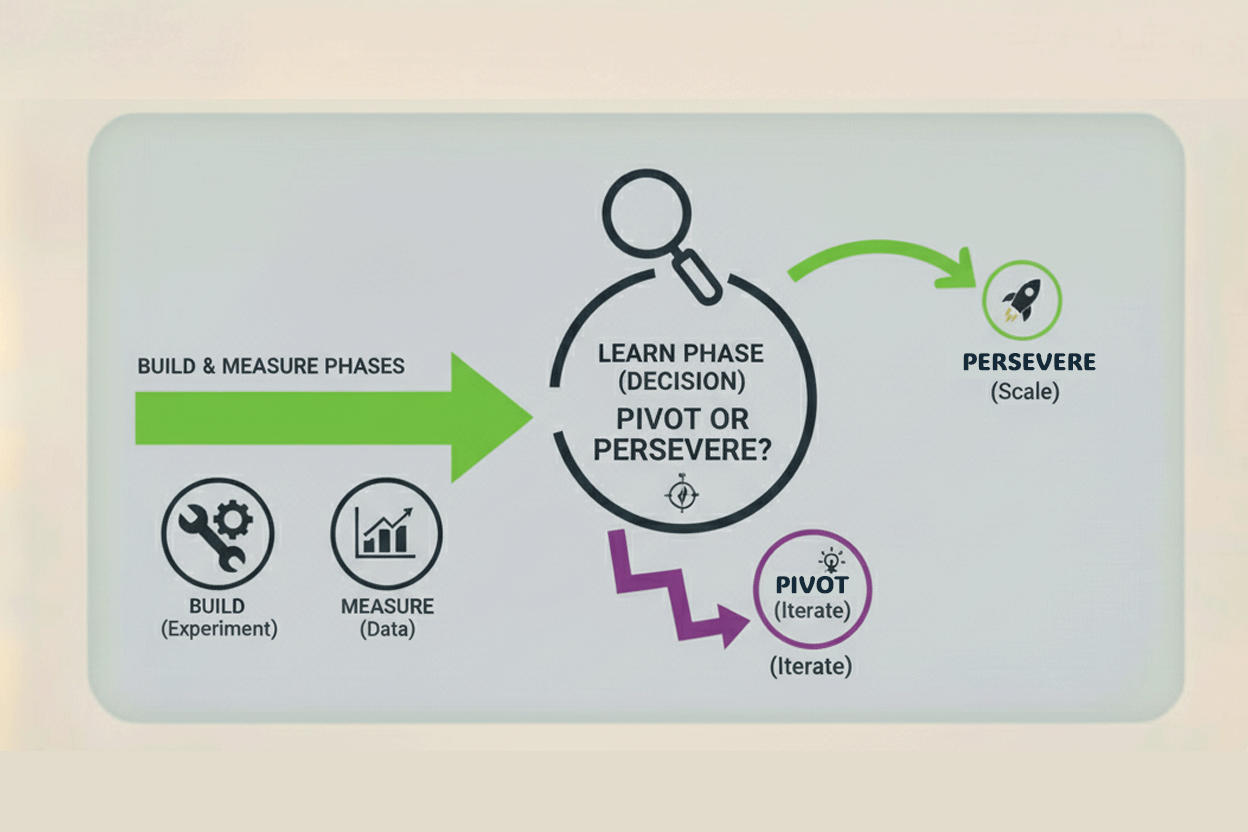
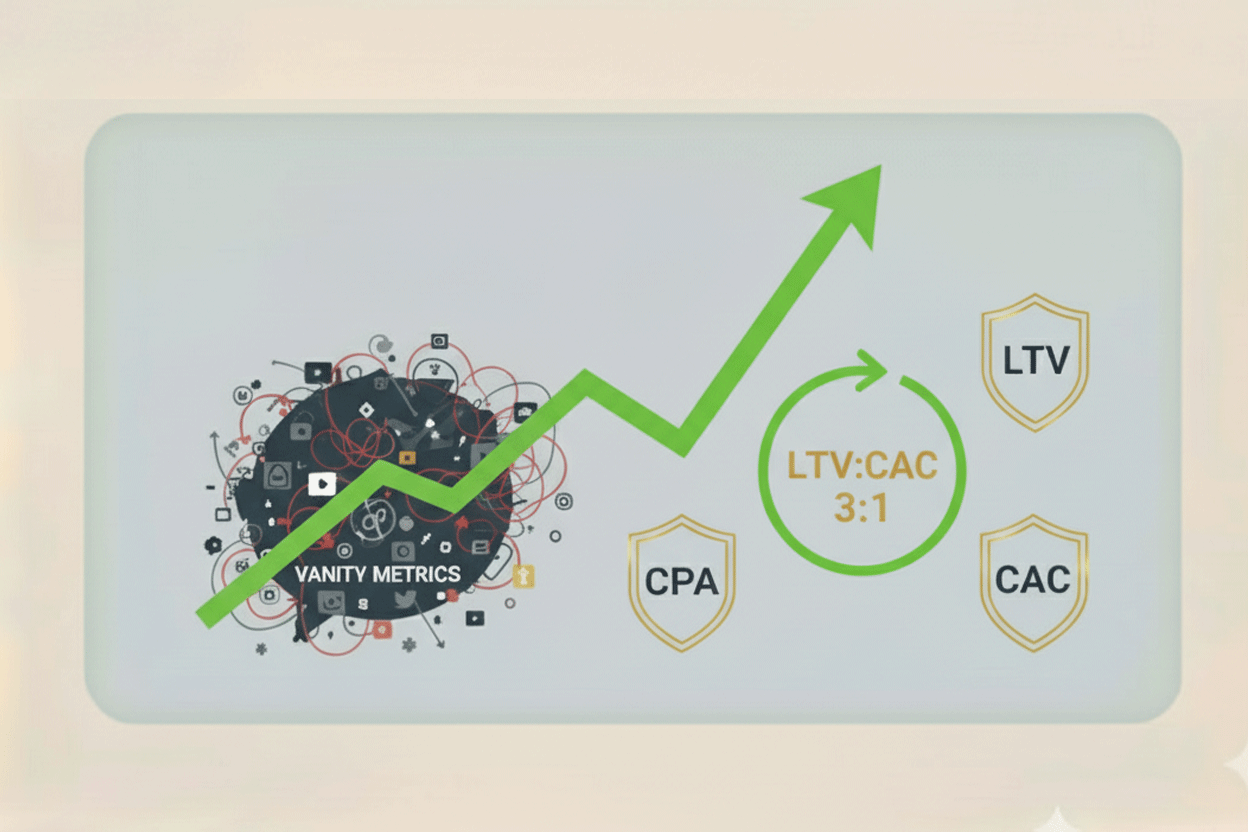
However, a brilliant definition is not the same as a successful agent. The only way to prove your AI Assistant is actually creating capacity and delivering ROI is through hard data.
The Build is complete. Now it’s time to test your assumptions. In the next post, we pivot to the Measure phase: setting up the simple, non-technical metrics that prove your AI Assistant is paying for itself—or telling you it’s time to pivot.



No comments yet
Be the first to share your thoughts on this article!